
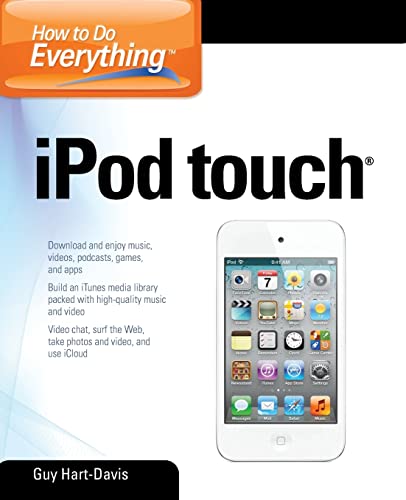
How to do everything : iPhone touch Guy Hart-Davis.
Material type: TextPublication details: New York : McGraw-Hill, c2012.Description: xx, 476 p. : ill. ; 24 cmISBN:
 - 9780071785181
- ML74.4.I48 H27
| Cover image | Item type | Current library | Home library | Collection | Shelving location | Call number | Materials specified | Vol info | URL | Copy number | Status | Notes | Date due | Barcode | Item holds | Item hold queue priority | Course reserves | |
|---|---|---|---|---|---|---|---|---|---|---|---|---|---|---|---|---|---|---|
 Books
Books
|
Methodist University Library Main General Stacks | Reference | ML74.4.I48 H27 (Browse shelf(Opens below)) | Available | 38612 |
Browsing Methodist University Library Main shelves,Shelving location: General Stacks,Collection: Reference Close shelf browser (Hides shelf browser)

|

|

|

|

|

|
|
||
| ML3506 .T36 No title | ML3798 .N47 The study of ethnomusicology : | ML3798 .N47 Teach Yourself the Guitar. Author: | ML74.4.I48 H27 How to do everything : | MLCM 2024 . B23 Traditional medicine in Ghana | MLCS20 00/01026 Burning grass : | MLCS20 00/01026 Burning grass : |
Includes index.
Part I: Get up and running with your iPod touch
1. Get your iPod touch ans set it up --
2. Load Your iPod touch with music, videos, and data --
3. Connect to Wireless Networks and the Internet --
4. Choose Essential Settings --
5. Take Photos and Videos --
6. Install and Manage Apps --
Part II: Use your iPod touch for communications
7. Make Video Calls with Face Time --
8. Communicate via E-mail and Instant Messaging --
9. Surf the Web on your iPod touch --
10. Keep your Calendars and Contacts up to Date --
Part III: Use your iPod touch for Entertainment
11. Enjoy Music and Video on your iPod touch --
12. Make Most of the Built-In Apps --
13. Create Audio and Video Library for the iPod touch and iTunes --
14. Use your iPod touch for file Backup, Storage, and Transfer --
Part IV: Advanced Moves --
15. Take Your iPod touch to the Limit --
16. Troubleshoot Your iPod touch --
17. Troubleshoot iTunes.
Index
There are no comments on this title.